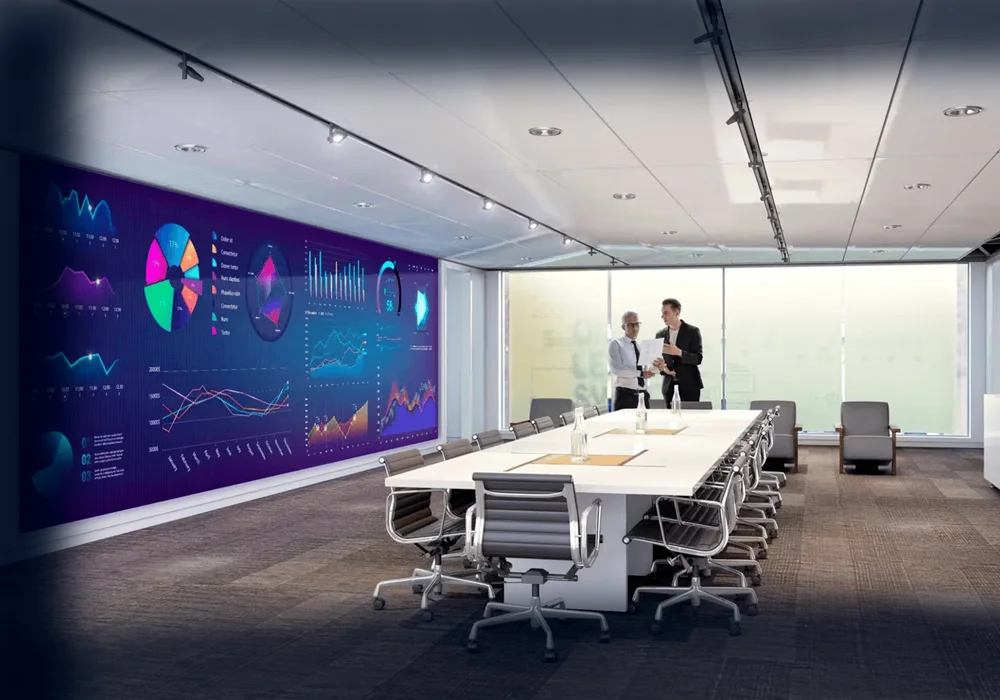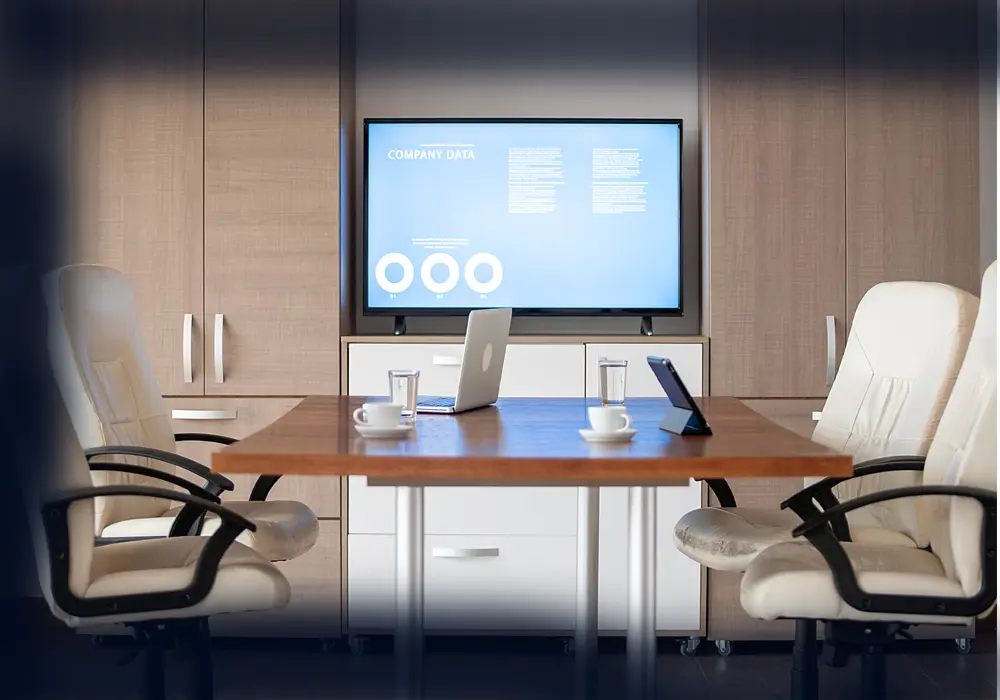
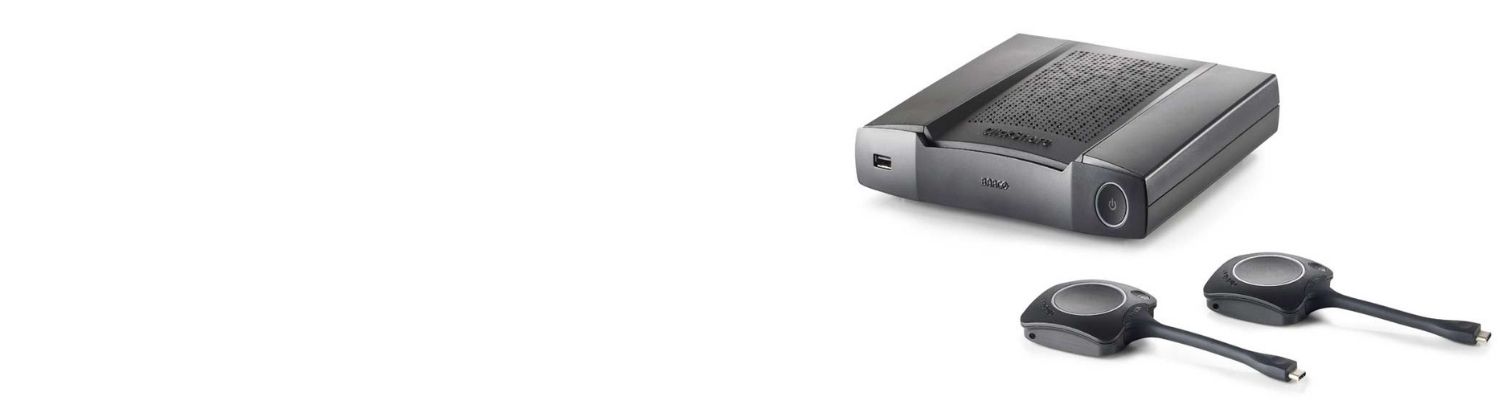
Premium wireless conferencing system for high-impact rooms

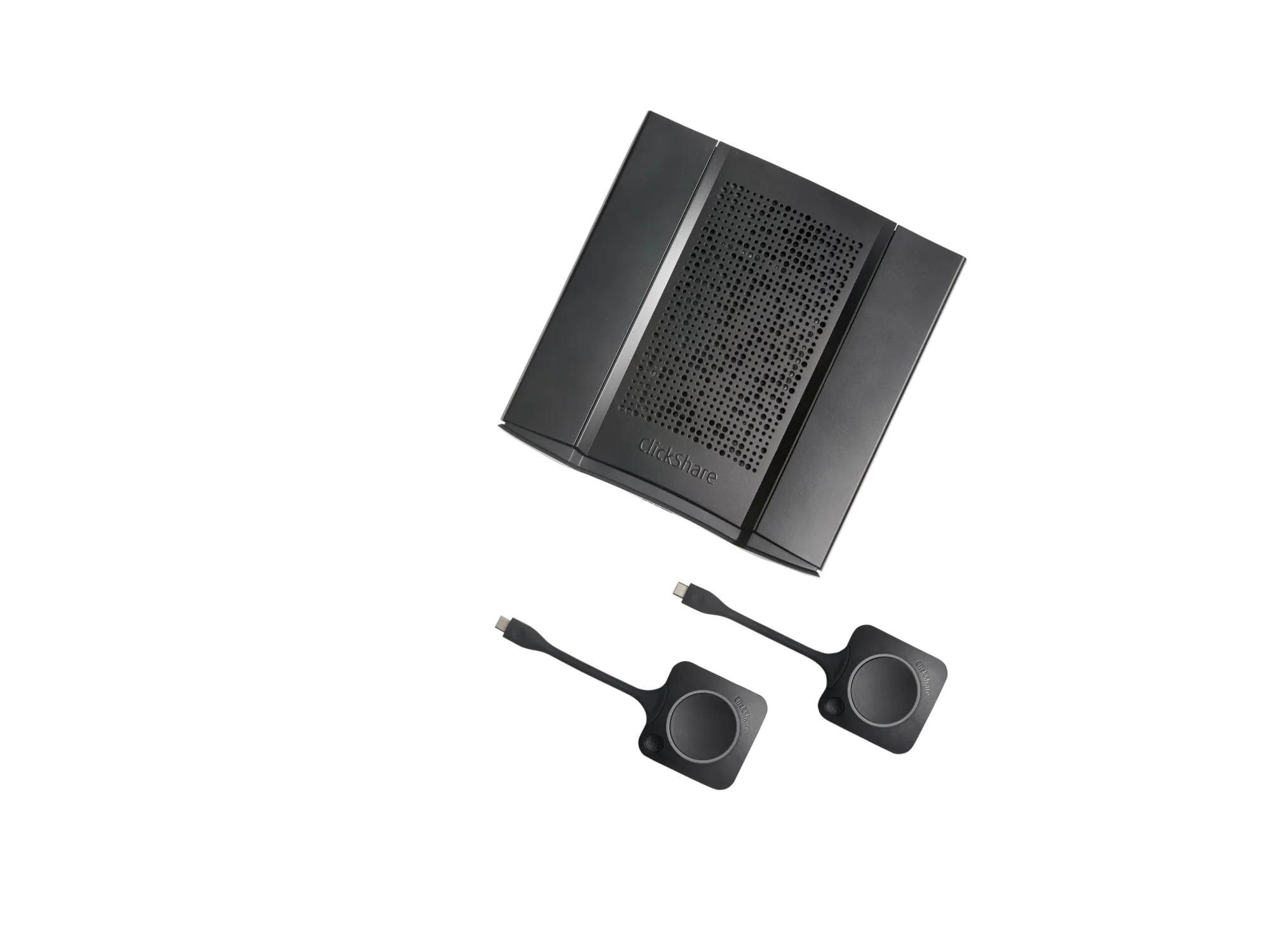
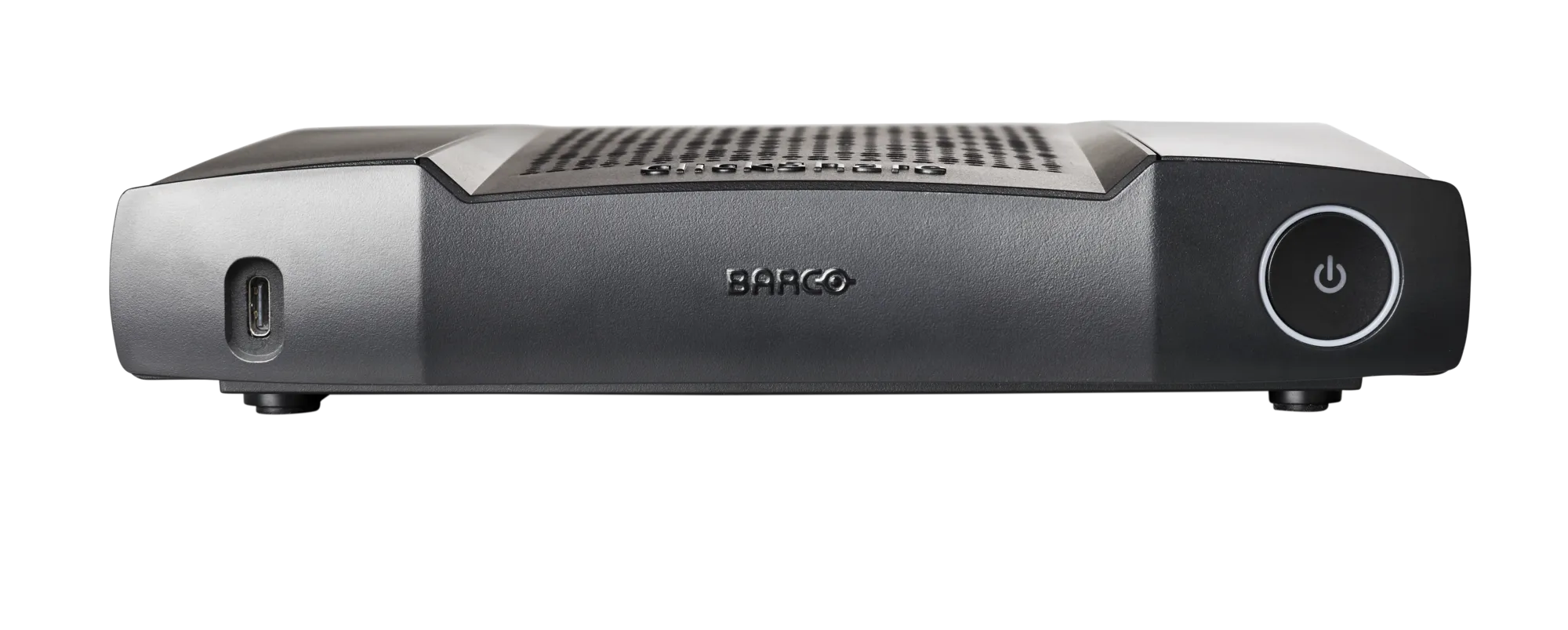
ClickShare CX-50 2nd generation brings flexible wireless conferencing in high-impact meeting spaces and board rooms. When you walk into the meeting room, ClickShare automatically connects you to room devices like cameras, mics, speakers, sound bars and displays. Start a meeting from your laptop within seconds, using your preferred video conferencing platform. Make hybrid meetings easy, with just one click on the ClickShare Button or the ClickShare App, both for employees and guests.
| General Specifications | |
|---|---|
| Operating system | Windows 10 or higher macOS 11 (BigSur) and higher Android v11 and higher (ClickShare App) iOS 14 and higher (ClickShare App) |
| System requirements | For a smooth experience with Microsoft Teams or Zoom Minimum: Windows processor Intel Core i3 or AMD Ryzen 5/macOS: Intel Core i3 or Apple Silicon M1; RAM 8GB; OS version: Windows 10 20H2/macOS 11 Big Sur Recommended: Windows processor Intel Core i5/Ultra 5 or AMD Ryzen 7/macOS: Apple Silicon M3; RAM 8GB; OS version: Windows 11 latest build/macOS latest build |
| Video outputs | HDMI: 3840*2160 @ 60Hz, HDMI 2.1 Source USB-C: 3840*2160 @ 60Hz, DisplayPort Alternate mode Source with DisplayPort v1.2 |
| Audio output | USB-C: 3840*2160 @ 30Hz, DisplayPort Alternate mode Sink with DisplayPort v1.2 |
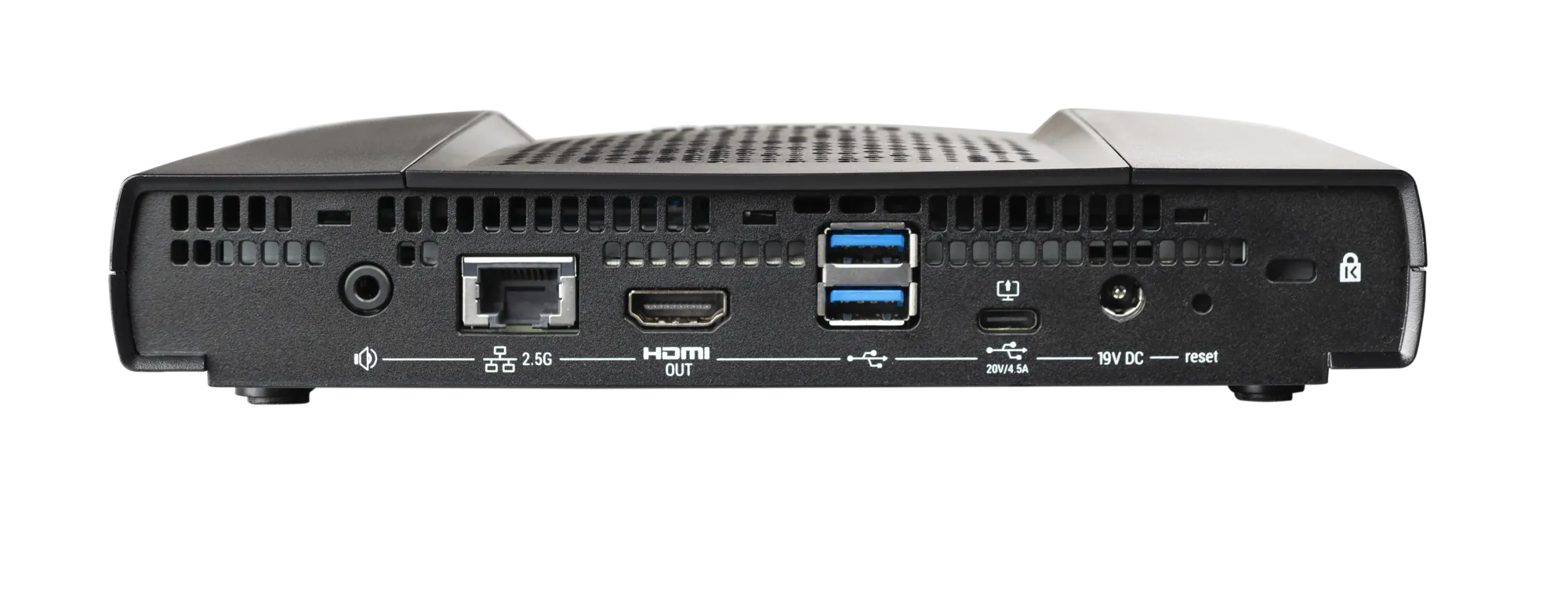
| USB | USB, jack, HDMI |
| ClickShare Buttons | 2 |
| ClickShare App | Desktop & Mobile |
| Native protocols | Airplay, Google Cast, Miracast |
| Maximum sources simultaneously on screen | 2 |
| Noise Level | Max. 25dBA @ 0-30°C Max. 30dBA @ 30-40°C |
| Wired authentication | 802.1x, EAP-TLS, EAP-TTLS, PEAP. |
| SoftAP client mode | 802.1X EAP-TLS, EAP-TTLS, PEAP, and WPA2 PSK. |
| Authentication protocol | WPA2-PSK in stand alone mode WPA2-PSK or IEEE 802.1X using the ClickShare Button in network integration mode |
| Wireless transmission protocol | IEEE 802.11 a/g/n/ac and IEEE 802.15.1 |
| Reach | Max. 30m (100 ft) between ClickShare Button and ClickShare Base Unit Frequency band 2.4 GHZ and 5 GHz (DFS) |
| Frequency band | 2.4 GHZ and 5 GHz (DFS channels supported in select number of countries) |
| Connections | 1x Ethernet LAN 1Gbit 1x USB-C 2.0 (back); 2x USB-A 2.0 (back); 1x USB -A 2.0 (front) Audio analog line out on mini jack socket (3.5mm), digital S/PDIF |
| Temperature range | Operating: 0°C to +40°C (+32°F to +104°F) Max: 35°C (95°F) at 3000m Storage: -20°C to +60°C (-4°F to +140°F) |
| Humidity | Storage: 0 to 90% relative humidity, non-condensing Operation: 0 to 85% relative humidity, non-condensing |
| Anti-theft system | Kensington lock |
| Certifications | FCC/CE |
| Touch screen support & Interactivity | Yes |
| Wireless conferencing | via App or Button |
| Local view | High quality |
| Network connection | LAN & WiFi(dual) |
| Management and reporting | Yes |
| Warranty | 1 year standard. 5 years coverage via SmartCare |
| Dimensions (HxWxD) | 39mm x 200mm x 202mm |
| Power consumption | Operational: 50W (max) Standby: <8W (networked standby), < 0.5W (deep standby mode) |
| Power supply | Standard 110/220 V AC plug |
| Weight | 900 gr |
Connect the Clickshare Button or use the App
Press the Button or Select from App
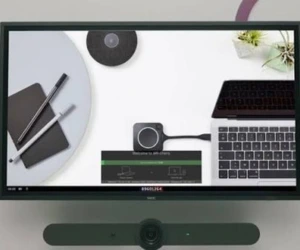
Your content appears on the room display.
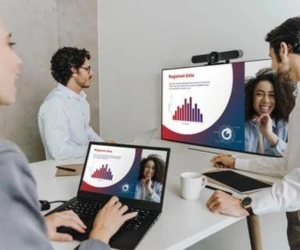
Engage, interact and achieve more together.