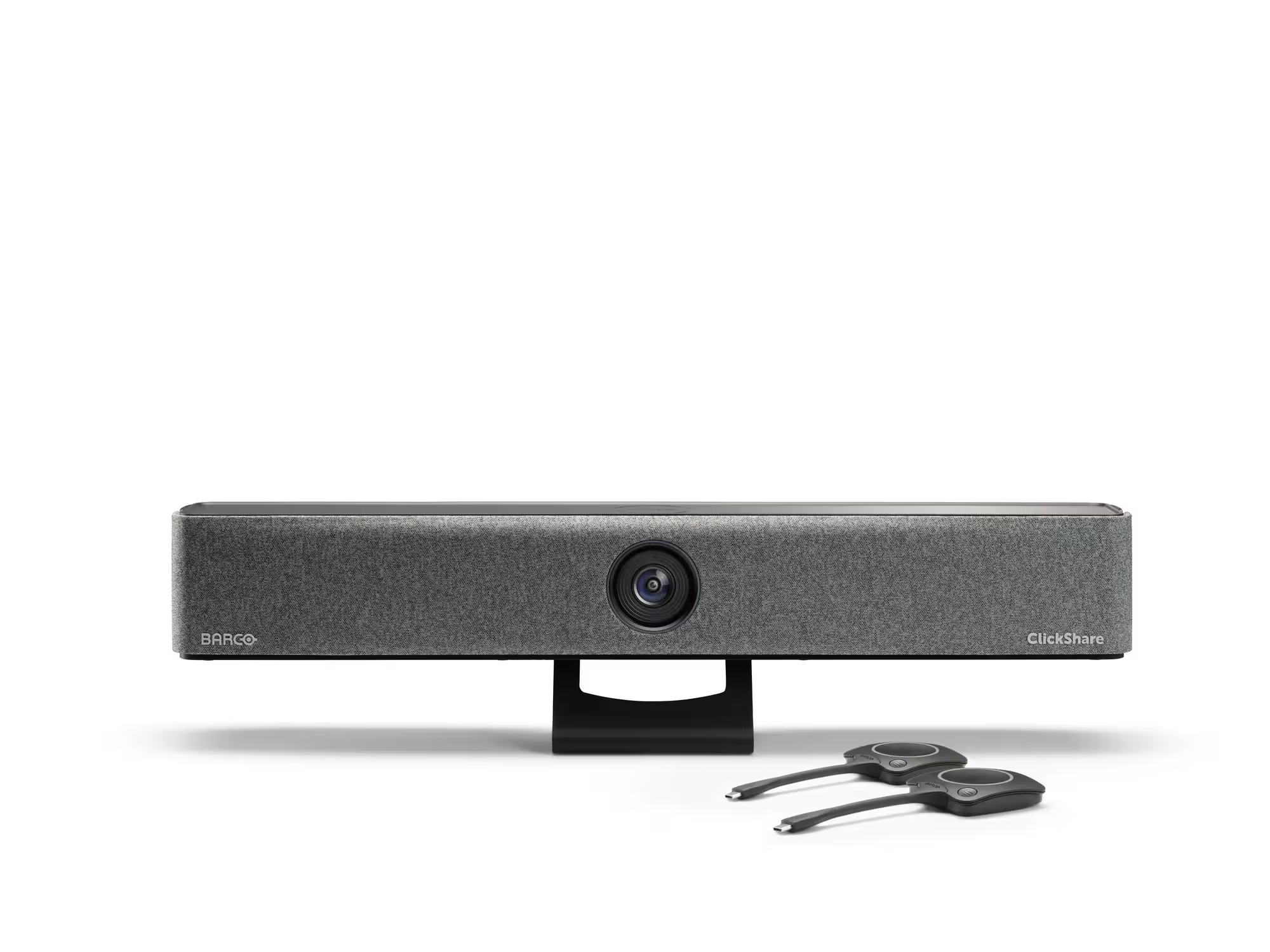
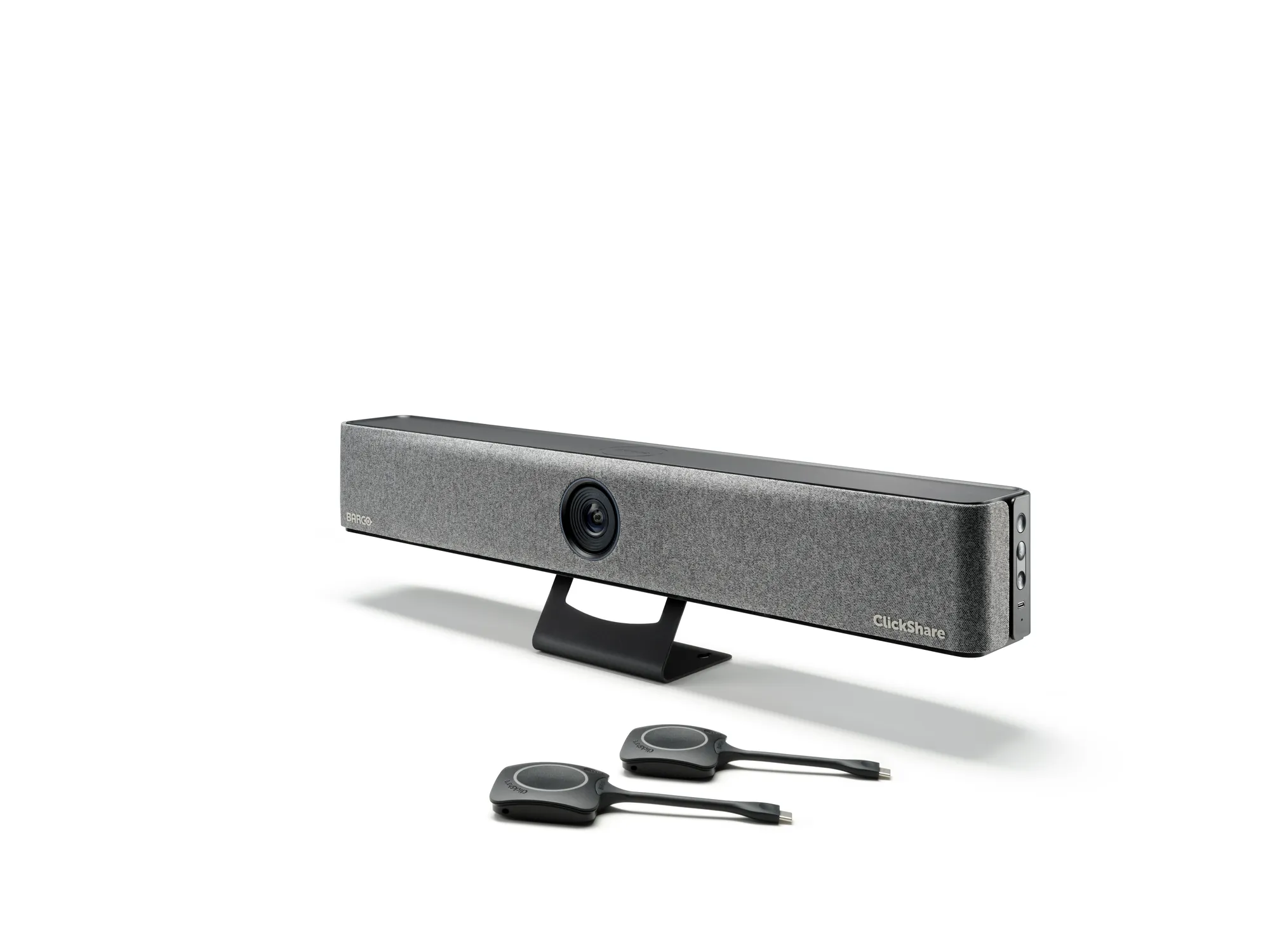
Premium video bar for engaging, effortless wireless conferencing in small meeting rooms

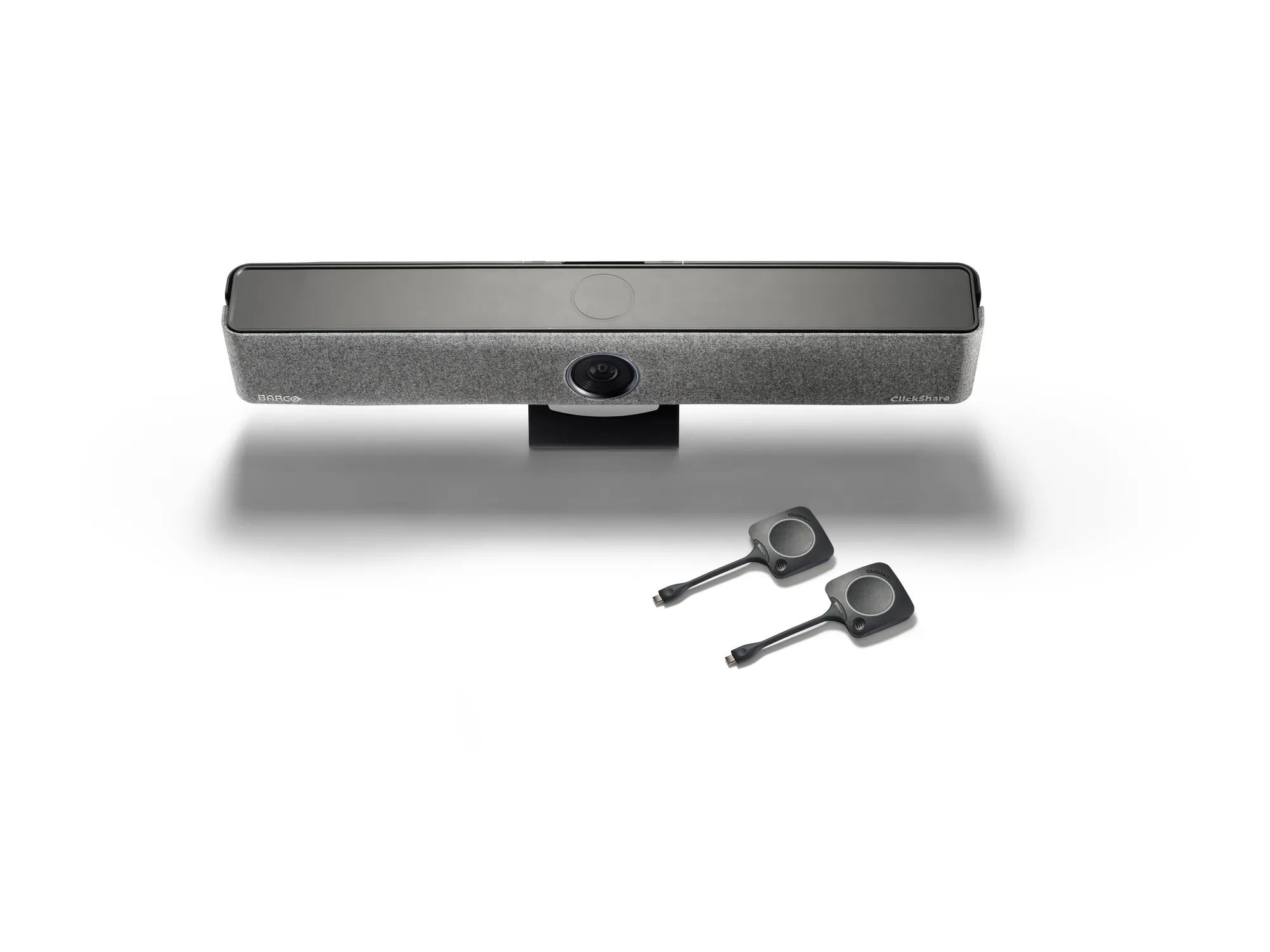
ClickShare Bar Pro is a premium all-in-one video bar with advanced features that enables engaging, effortless wireless conferencing in small meeting rooms and huddle spaces with any videoconferencing platform. Thanks to its advanced AV capabilities (dual screen, 4K content sharing) and interactive features (touchback, annotation, blackboarding), it enables crystal-clear audio, sharp views and enhanced interactivity for meetings where all participants feel heard and seen. This solution offers unparalleled flexibility, allowing IT Managers to easily equip their meeting rooms. Paired with a 5-year warranty, the bar overall reduces the Total Cost of Ownership by consolidating all collaboration, audio and video functionalities into one powerful device.
| General Specifications | |
|---|---|
| Operating system | Windows 10 and higher macOS 11 (Ventura) and higher Android v13 and higher (ClickShare App) iOS 16 and higher (ClickShare App) |
| System requirements | For a smooth experience with Microsoft Teams or Zoom Minimum: Intel i3 dual-core processor or AMD Ryzen 7 / 8GB RAM / OS: Windows 10 latest build or Mac OS Mojave latest build Recommended: Intel i5 4-core processor or AMD Ryzen 9 / 8GB RAM / OS: Windows 11 latest build or Mac OS latest build |
| Video outputs | 4K UHD (3840*2160) @ 30Hz. or 2x 1080p @ 30Hz. HDMI™ 1.4b or 1.4b or USB-C DP ALT mode (DisplayPort 1.2) |
| Video i5nput | 4k UHD (3840*2160) @30Hz.USB-C DP ALT mode (DisplayPort 1.2) |
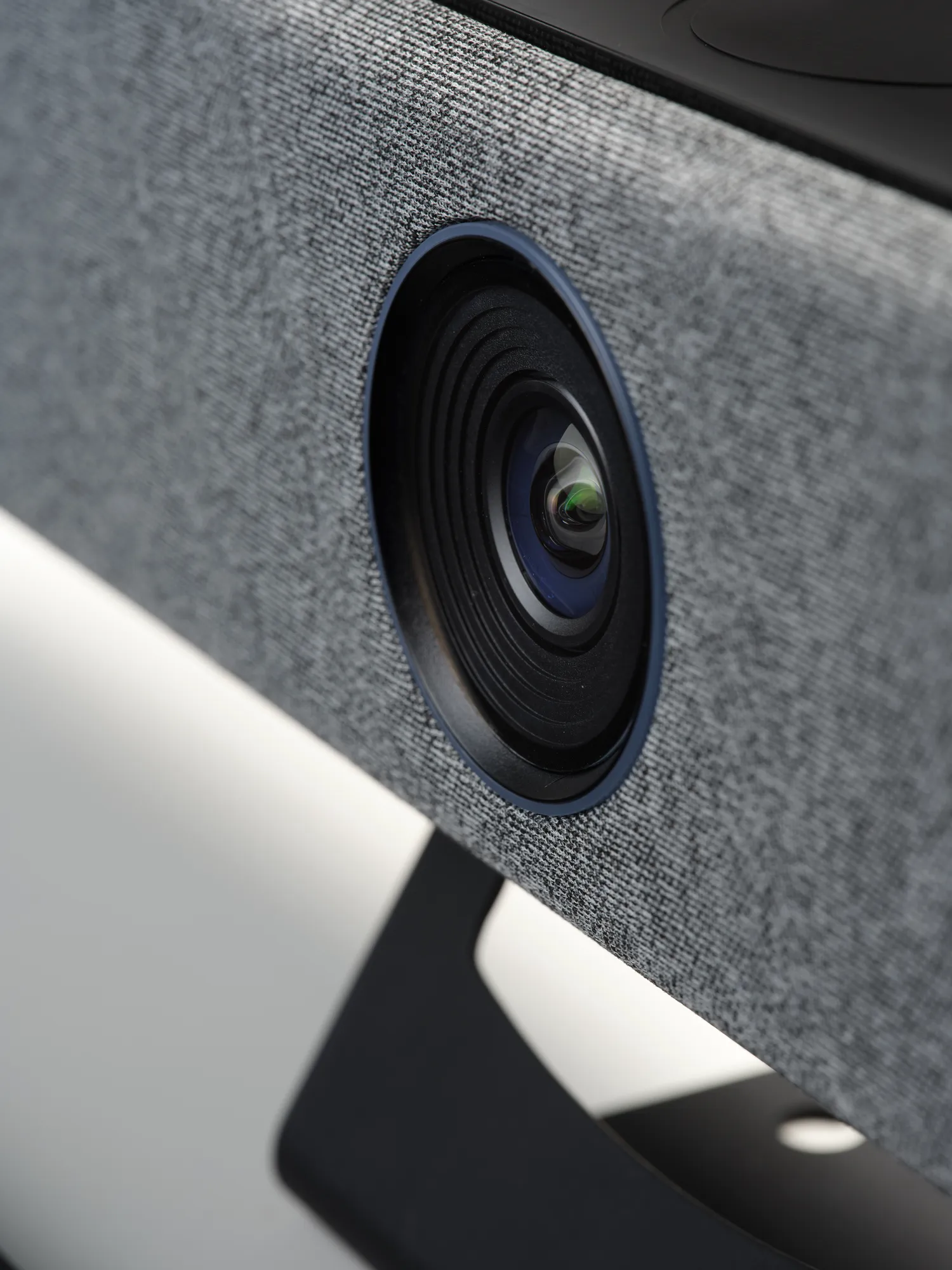
| Camera | 4K, 1080p, 720p at 30fps, 3x zoom/ePTZ, 120˚FOV |
| Camera AI | Group framing, speaker framing and tracking and composition mode with up to 4 people |
| Audio output | 2x 10W full duplex and stereo speakers, 8 Ohms impedance |
| Audio pickup | 6 beamforming MEMS microphones with echo and background noise cancellation. Pickup range: max. 13ft/4 meters |
| ClickShare Buttons | 2 |
| ClickShare App | Desktop & Mobile |
| Native protocols | Airplay, Google Cast, Miracast |
| Maximum sources simultaneously on screen | 2 |
| Noise Level | Fanless |
| Authentication protocol | WPA2-PSK in stand-alone mode WPA2-PSK or IEEE 802.1X using the ClickShare Button in network integration mode |
| Wireless transmission protocol | IEEE 802.11 a/g/n/ac and IEEE 802.15.1 |
| Reach | Max. 30m (100 ft) between ClickShare Button and ClickShare Bar |
| Frequency band | 2.4 GHZ and 5 GHz (DFS channels supported in select number of countries in network integration mode) |
| Connections | 1x USB-C 3.1 (DP) to screen,1x USB-C 3.1 (DP) video input, 1x USB-A 2.0, 1x Ethernet LAN 1Gbit, 1x USB-C 2.0 (side) |
| Temperature range | Operating: 0°C to +40°C (+32°F to +104°F) Max: 35°C (95°F) at 3000m Storage: -20°C to +60°C (-4°F to +140°F) |
| Humidity | Storage: 0 to 90% relative humidity, non-condensing Operation: 0 to 85% relative humidity, non-condensing |
| Anti-theft system | Kensington lock (back and bottom) |
| Certifications | FCC/CE |
| Touch screen support & Interactivity | Yes |
| Wireless conferencing | via App or Button |
| Local view | Yes |
| Network connection | LAN & WiFi(dual) |
| Management and reporting | Yes |
| Warranty | 1 year standard. 5 years coverage via SmartCare |
| Dimensions (HxWxD) | 98 mm x 640 mm x 101 mm |
| Power consumption | Operational: 5-20W, 65W Max |
| Power supply | Standard 110/220 V AC plug or USB-C (back) |
| Weight | 900 gr |
Connect the Clickshare Button or use the App
Press the Button or Select from App
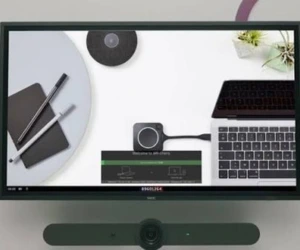
Your content appears on the room display.
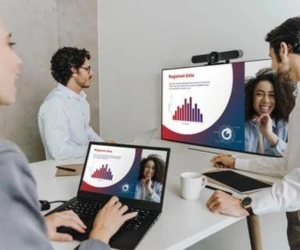
Engage, interact and achieve more together.